Make pixel art from a sentence
Sprites, scenes, portraits and icons in 48 pixel styles, from 1-bit to modern hi-bit. Start with text or a photo, then edit, upscale or animate what you get.

2 free credits when you sign in with Google. A standard image costs 1 credit.
From the community gallery
Explore the galleryRecent public pictures and videos from people using the site. Open one to see its prompt.
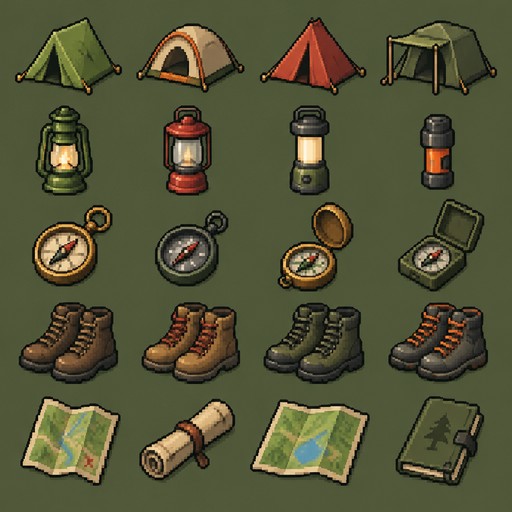
a set of camping gear: tent, lantern, compass, boots and map
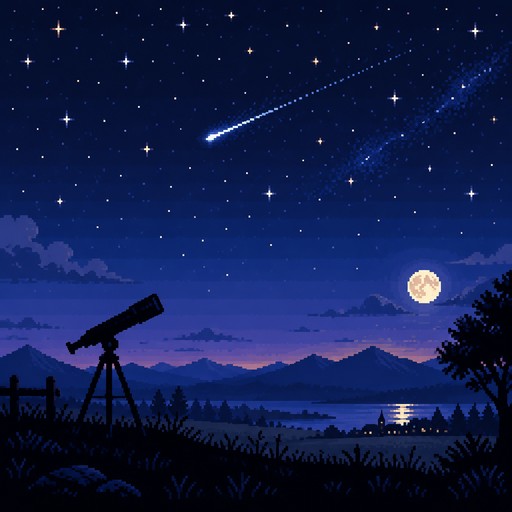
a shooting star above a field with a telescope
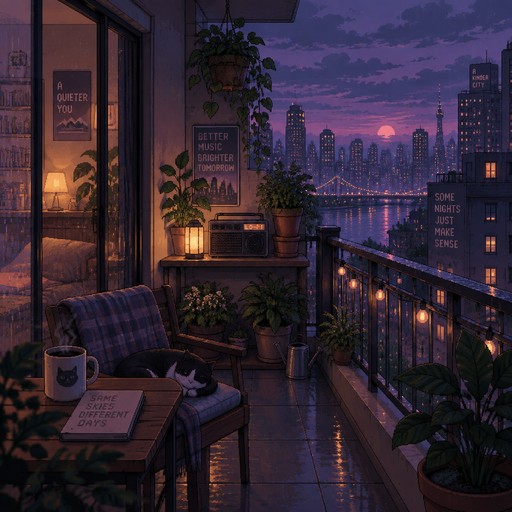
a balcony with plants, a radio and a city view at dusk
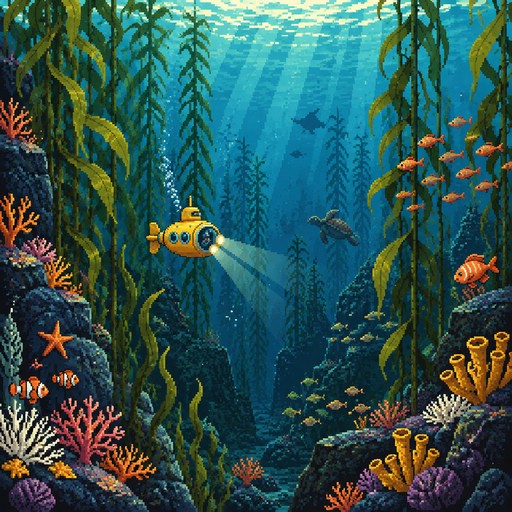
a tiny yellow submarine exploring a kelp forest
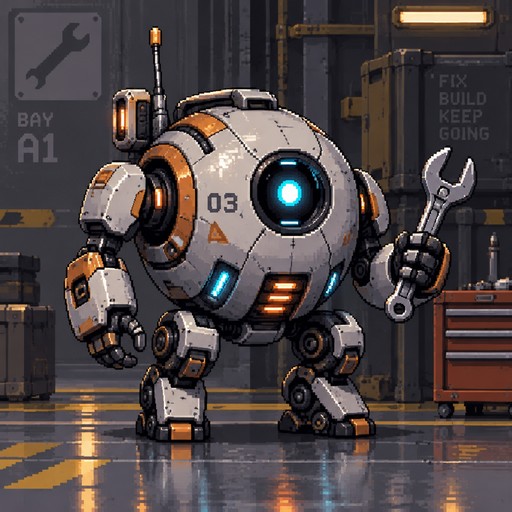
a small round repair robot holding a wrench
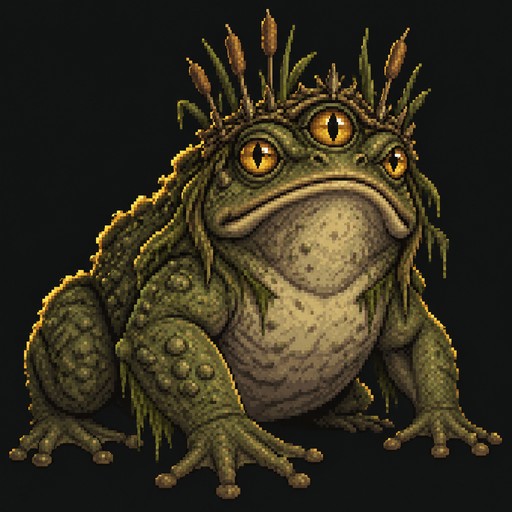
a three-eyed swamp toad with a crown of reeds
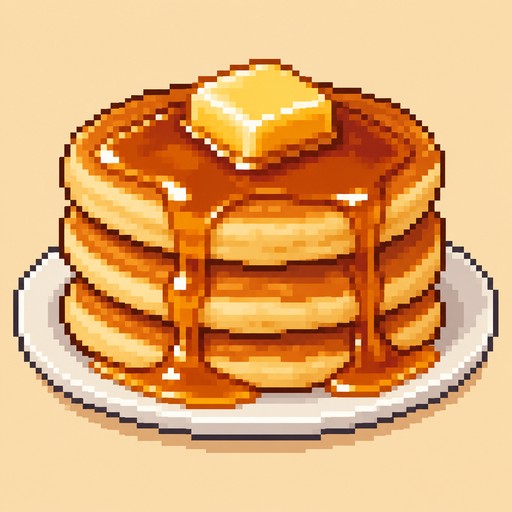
a stack of pancakes with butter and syrup
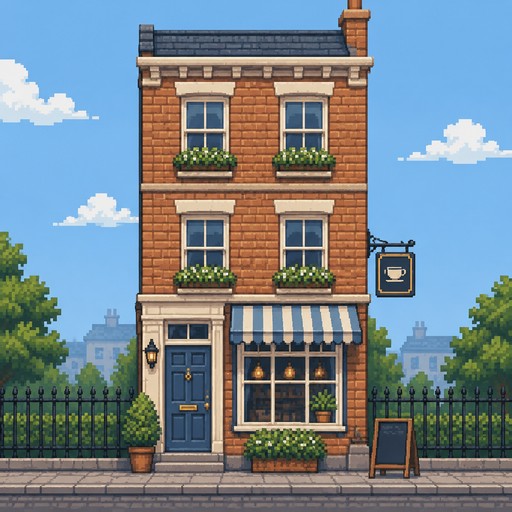
a narrow three-story townhouse with a blue door
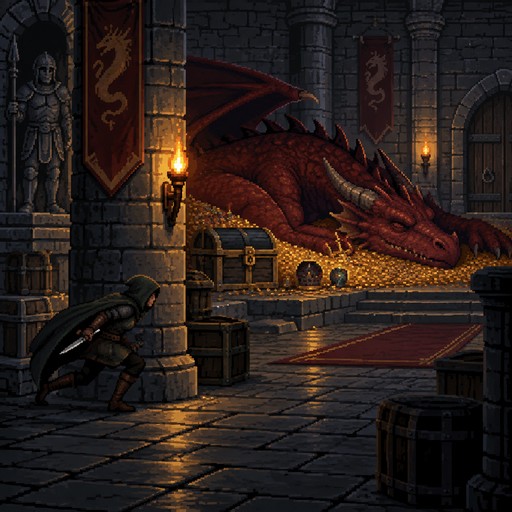
a rogue sneaking past a sleeping dragon
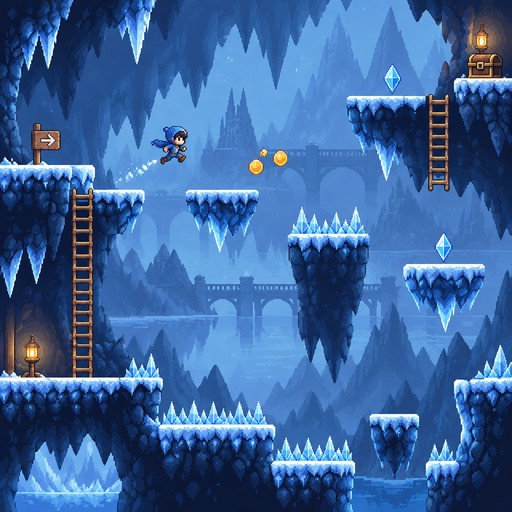
an ice cave level with slippery ledges and crystal spikes
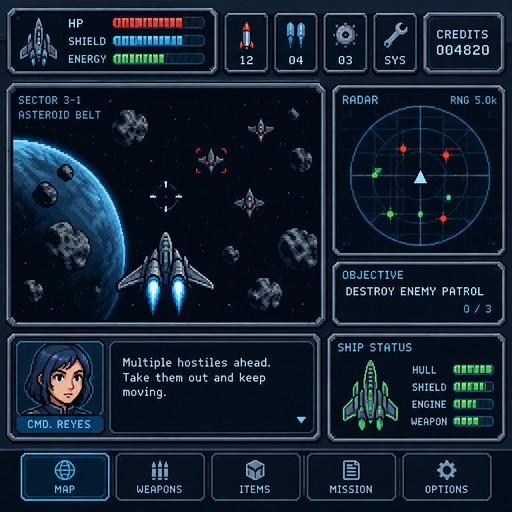
a space shooter heads-up display with shield bars and a radar
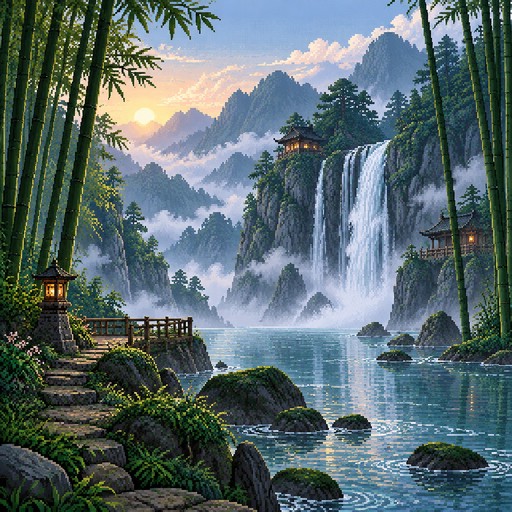
a waterfall in a bamboo forest with morning mist
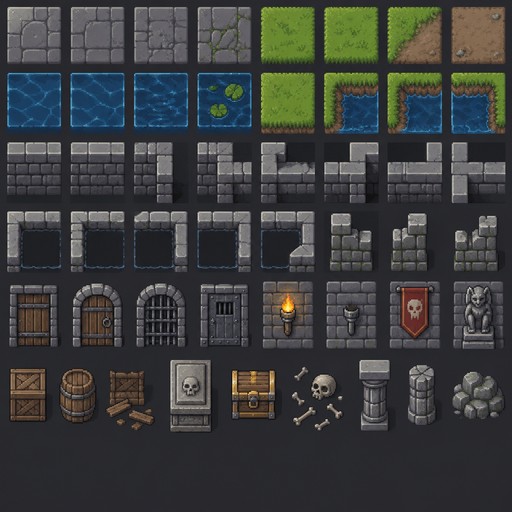
a dungeon tileset with stone floors, walls, doors and torches

a sleepy cat face with a tiny snore bubble
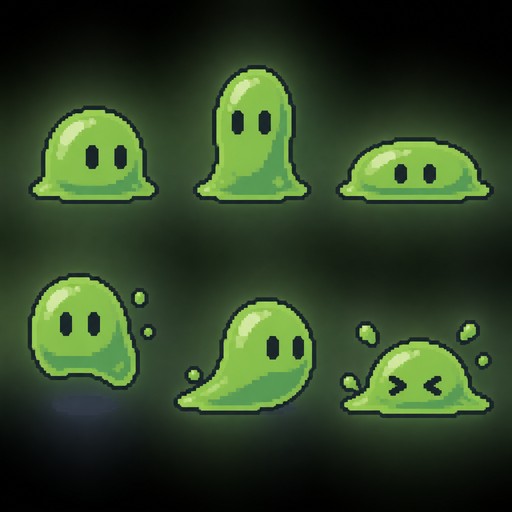
a slime creature in six squash and stretch poses

a bunny holding a strawberry in a flower field
48 styles, one prompt box
See all 48 stylesPick an era, a palette or a subject. Every style works with text prompts, photos and video.
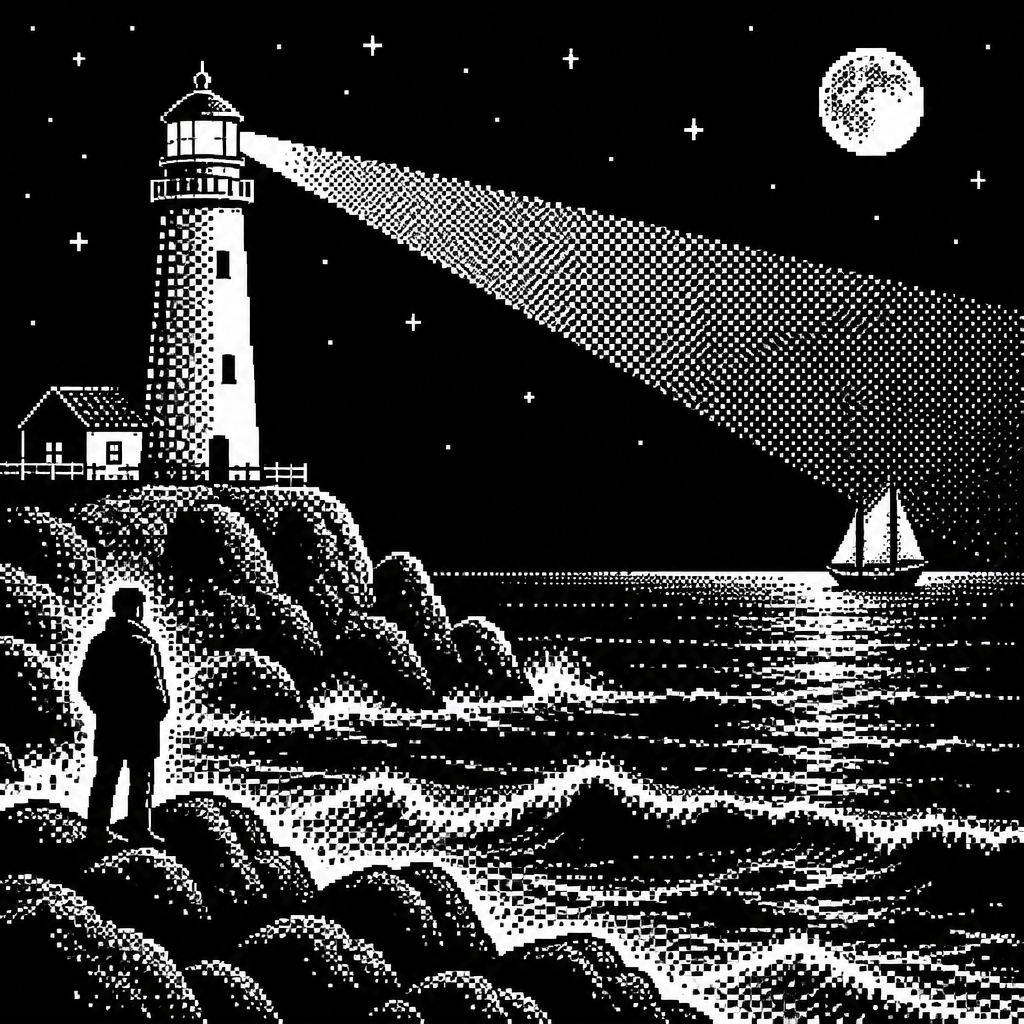
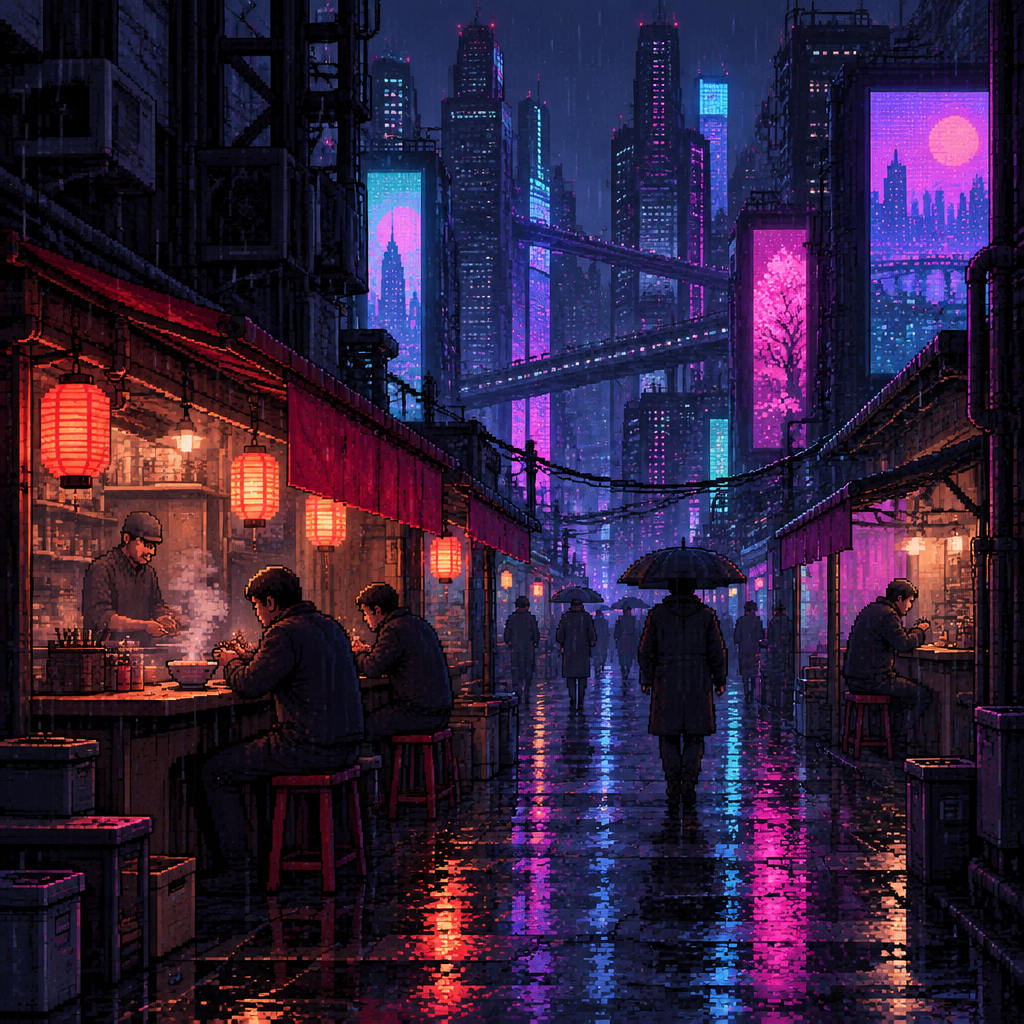
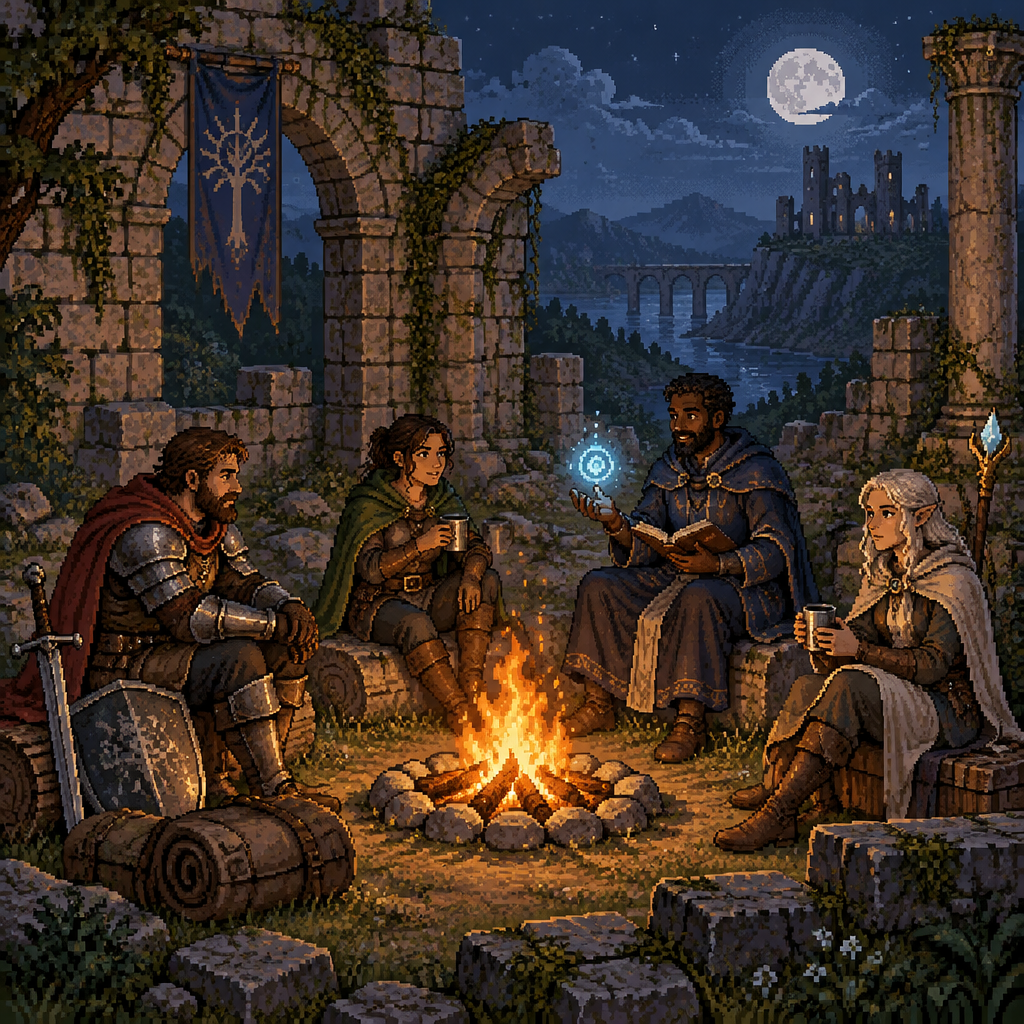
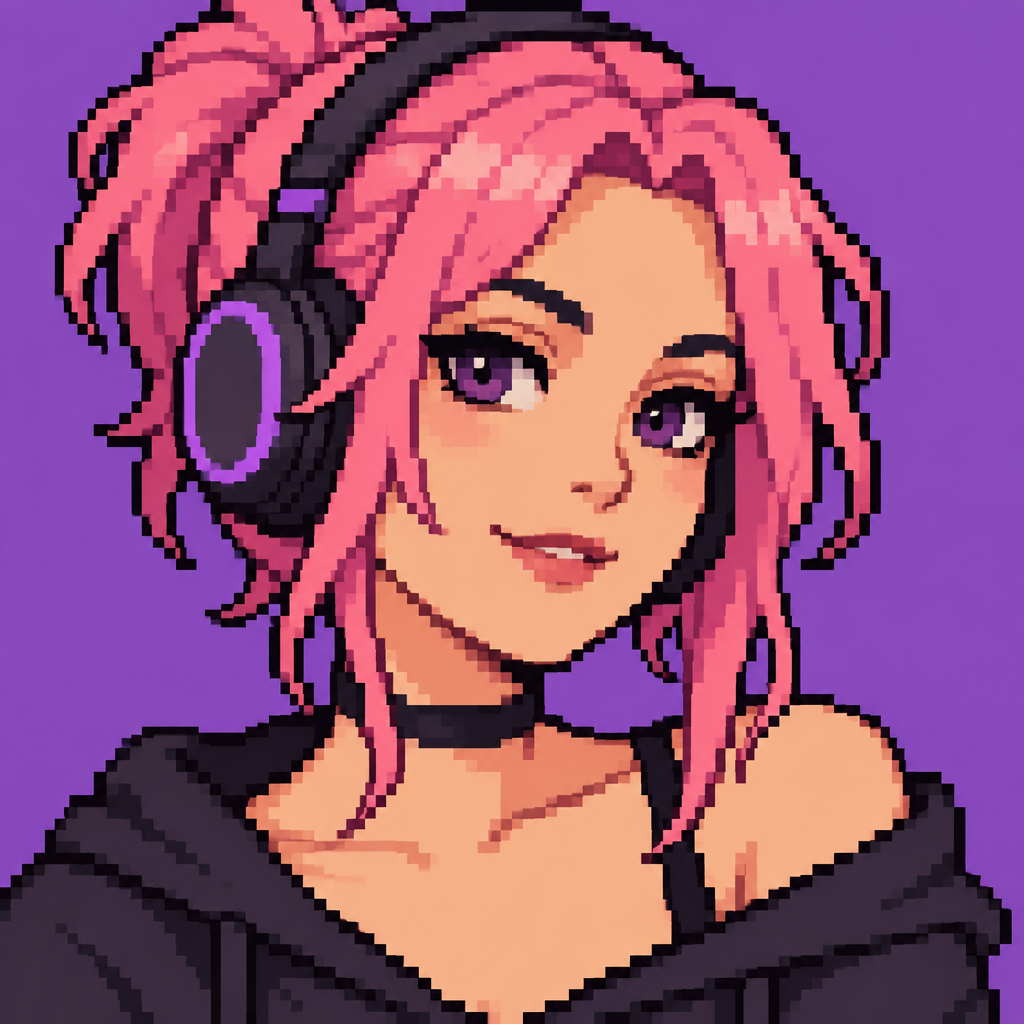
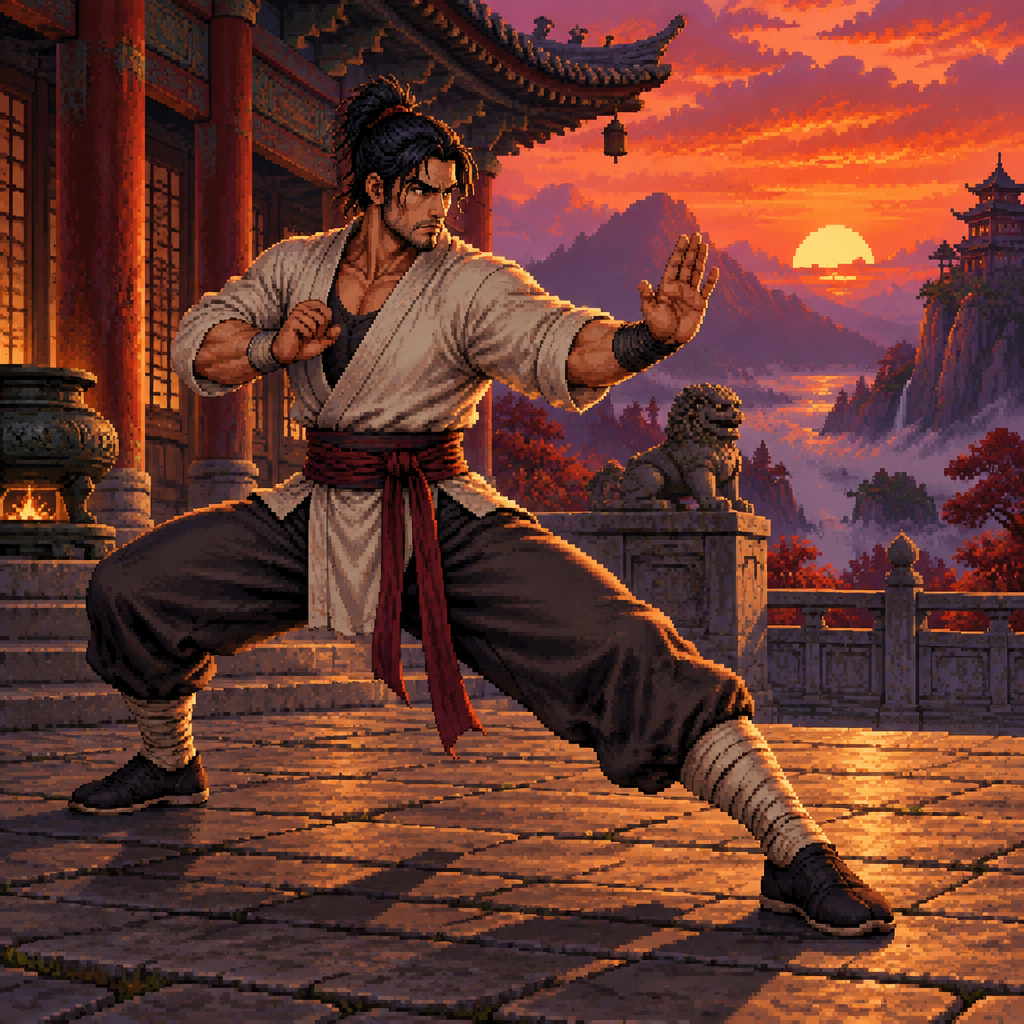
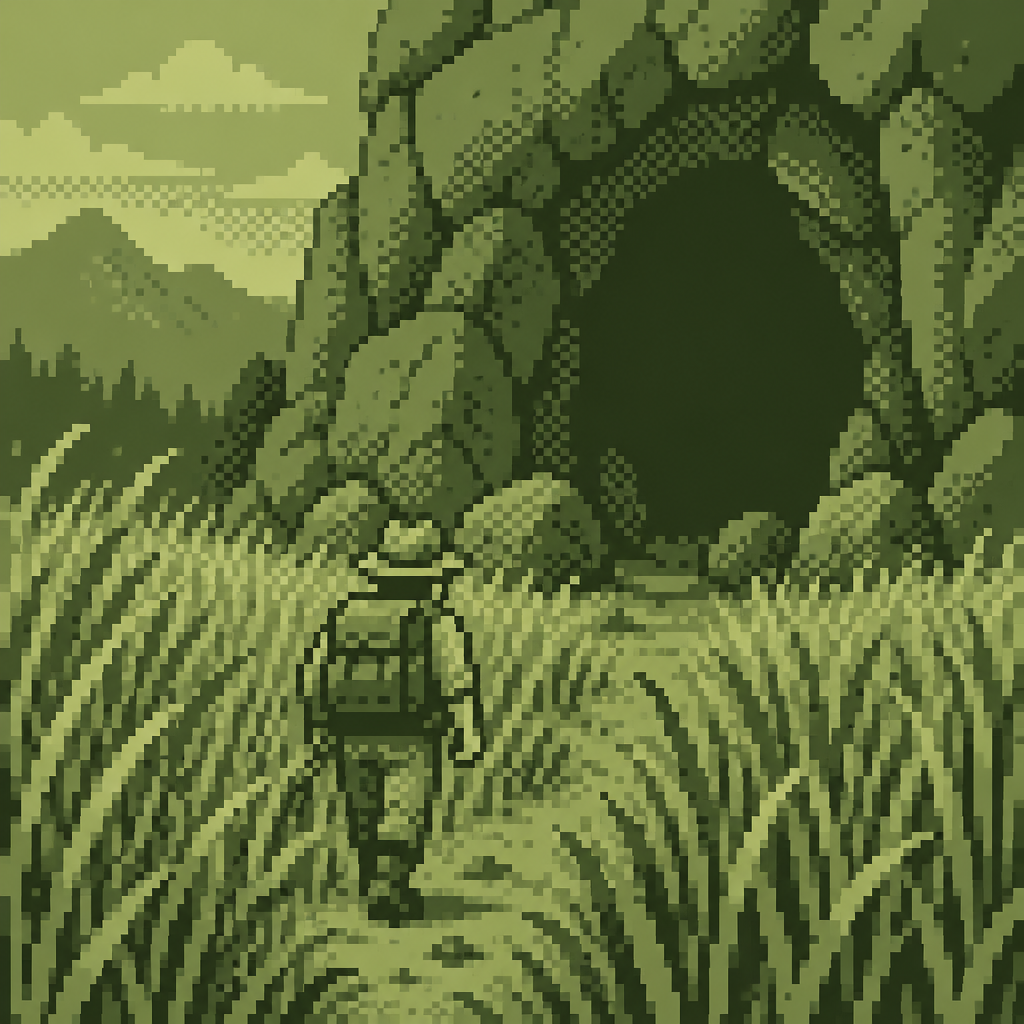
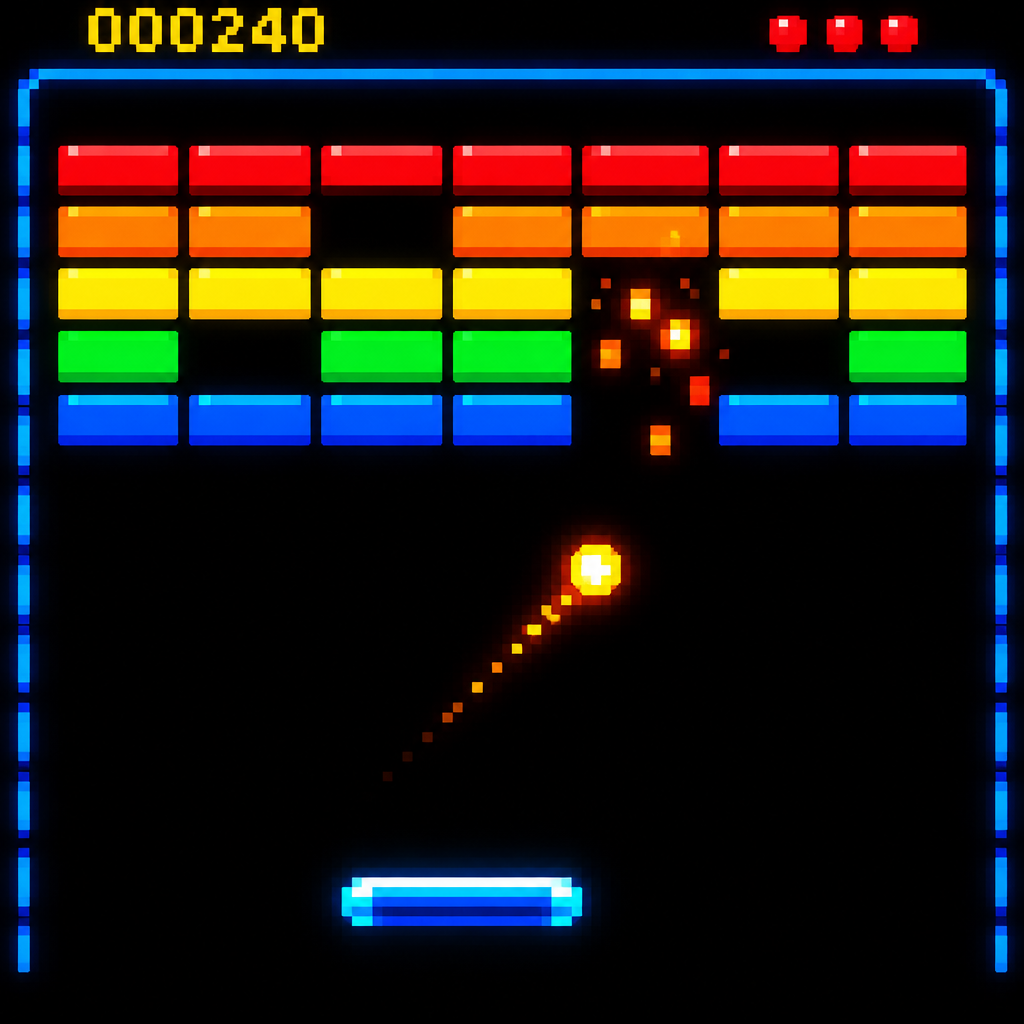
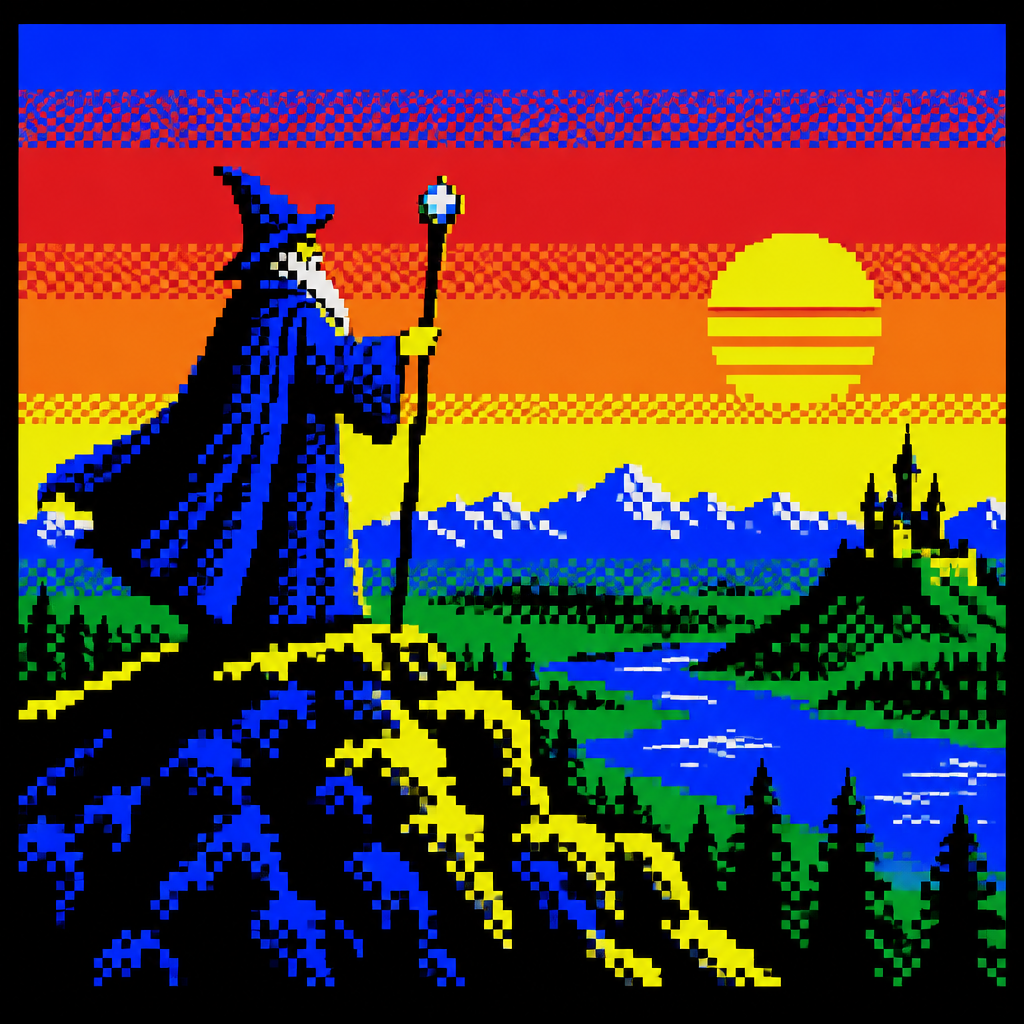
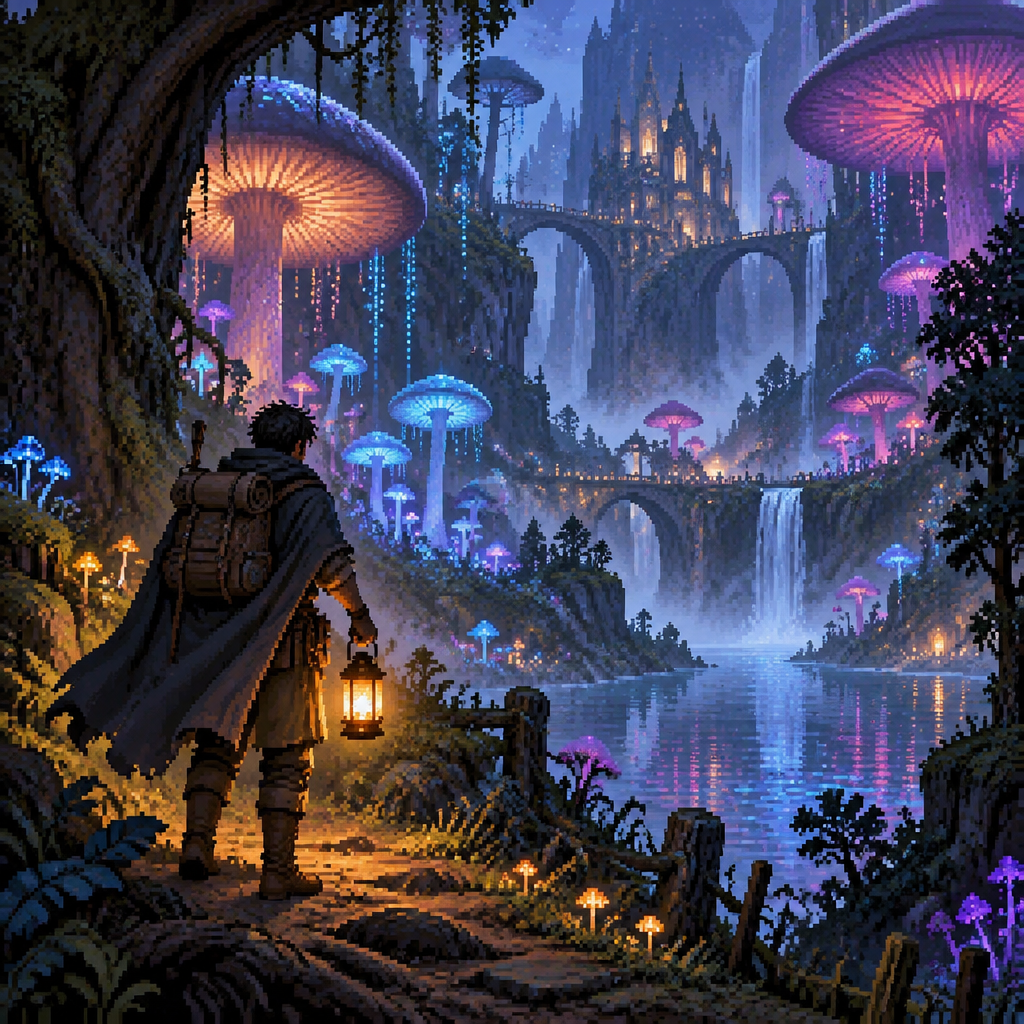
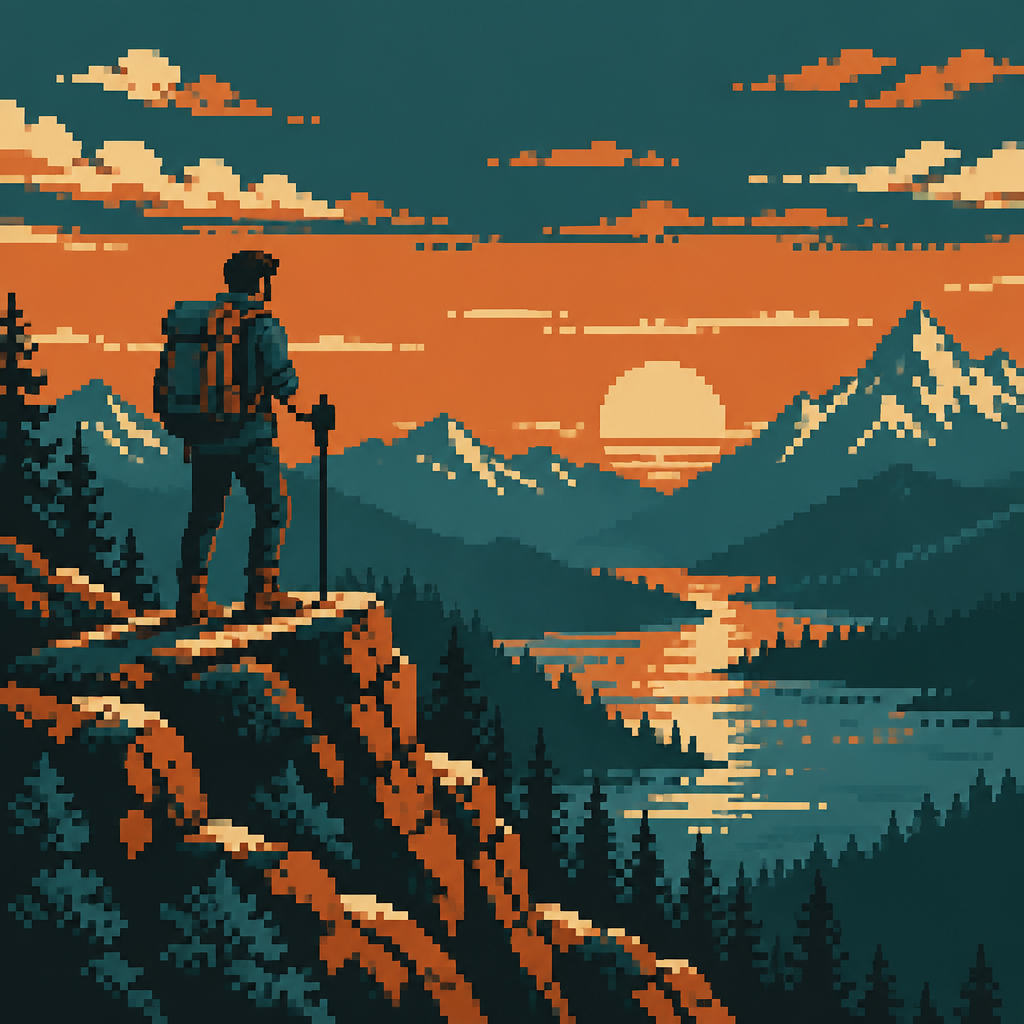
Four ways to work
From text
Write a sentence, pick a style and get a picture. A standard image costs 1 credit.
Open the generatorFrom a photo
Upload a person, pet or place and have it redrawn in the pixel style you choose.
Convert a photoAs a video
Make a 4 to 15 second clip from a prompt or from a picture, up to 1080p with optional audio.
Make a clipEdit and upscale
Change a picture by typing what should be different, then upscale it for a larger file.
Start creatingQuestions and answers
How does the pixel art generator work?
Write a short description of what you want, or upload a photo, and choose one of 48 pixel styles such as 8-Bit, Isometric, Character Sprite or 1-Bit. The AI draws the picture in that style. After that you can change it with plain-English instructions, upscale it, or animate it into a short video.
Is Pixel Artwork free to try?
Yes. Sign in with Google and you get 2 free credits. A standard image costs 1 credit. When you want more, plans start at $9/month for 250 credits, and one-time packs start at $12 for 250 credits.
Can I turn a photo into pixel art?
Yes. Open the photo tab, upload a picture of a person, pet, place or object, and pick a style. The AI redraws the photo as pixel art, and you can add a short note to steer colors, setting or mood.
Can I animate my pixel art?
Yes. Generate a video from a text prompt, or open a picture you made and animate it. Clips run 4 to 15 seconds at up to 1080p, with optional audio.
Who owns the art I make?
You do. What you create is yours; see our Terms of Service for the details. Copyright law for AI-made art varies by country, and nothing here is legal advice.